Black Light
Special color effects on your screen
Download (3.0) / Buy direct or Mac App Store
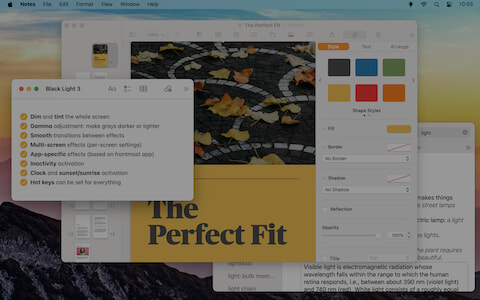
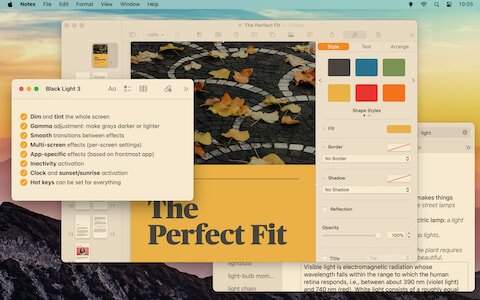
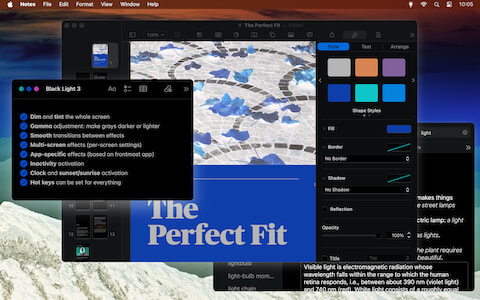
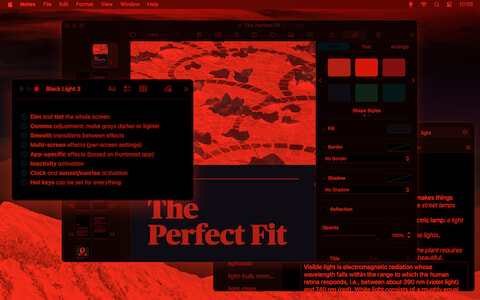
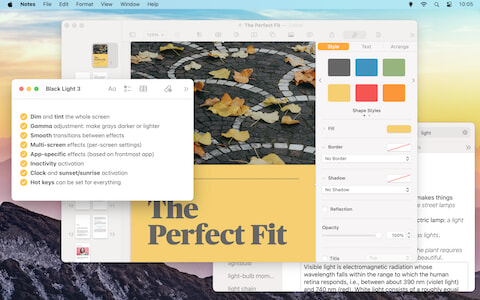
Add visual effects to your screen so your eyes can rest or for fun. Setup your effects and switch when needed with a hot key, at predetermined times, or based on the frontmost app.
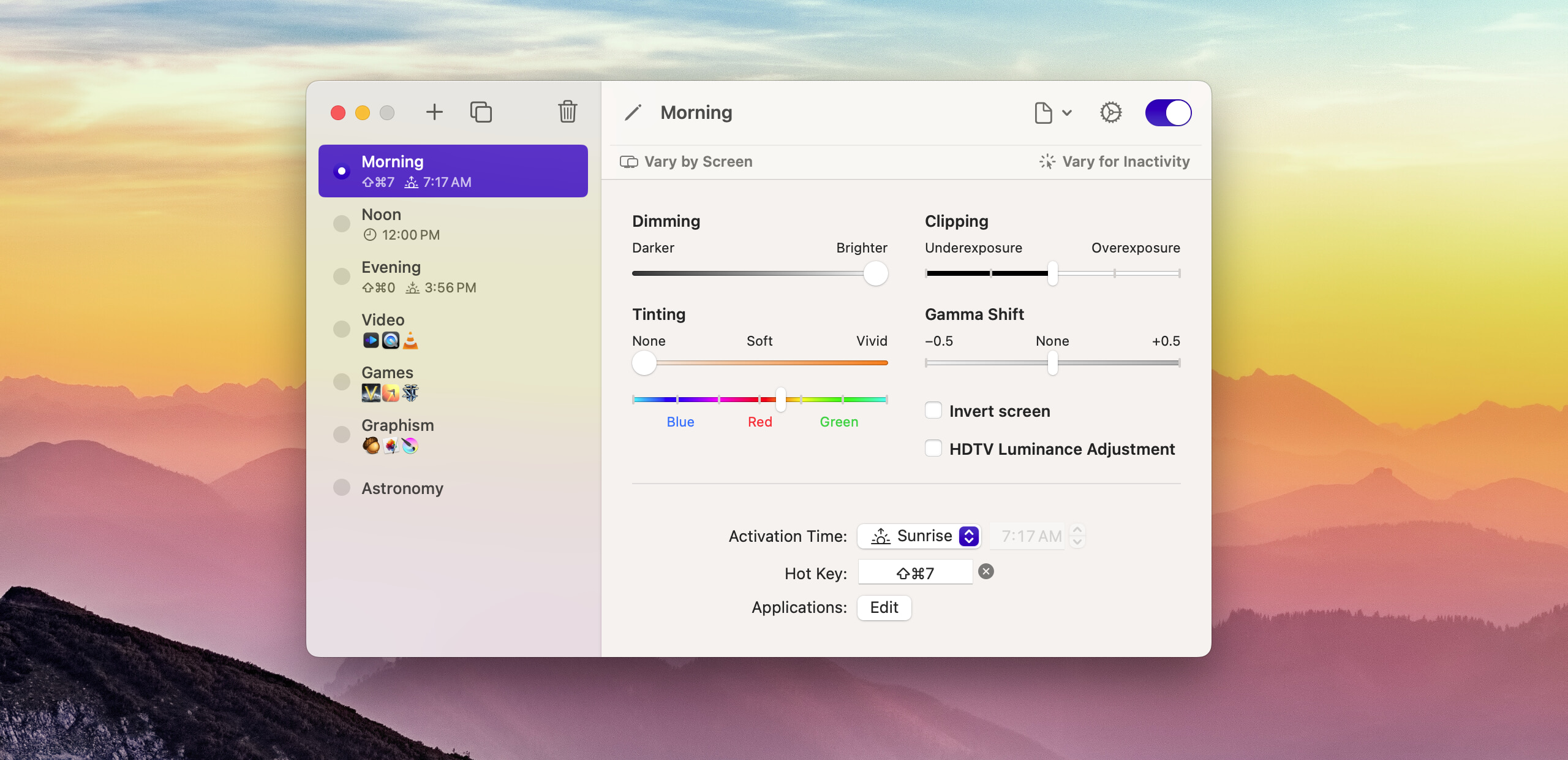
Compose your Effects
Each effect can include a mix of dimming, tinting, clipping, gamma shift. It can also invert colors and make an adjustment for HDTV luminance. Create the effects you need. Invert and make the screen all-red if you’re into astronomy. Tint with orange-yellow to help you sleep better or blue to keep you awake.
Dimming
Reduce screen luminosity by dimming each pixel. Useful to reduce the luminosity of LCD screens beyond the minimal value of the back light.
Tinting
Simulation of a color filter of a chosen color put in front of the screen. Lets you change the tint by setting the white point. Useful to give your screen an orange glow and reduce blue light at night, but works with any color.
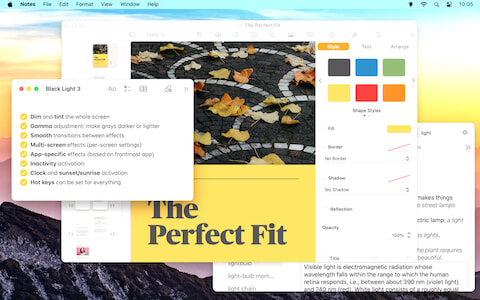
Clipping: Underexposure & Overexposure
Replace dark grays under a chosen threshold with black, or light grays to white. Darker or lighter colors might change hue slightly.
Gamma Shift
Makes grays lighter or darker, but without saturating at a threshold (unlike clipping). Useful to make subtle dark or light details more visible, in a dark game for instance.
Invert Screen
Reverse blacks and whites, giving you a negative of the image on your screen.
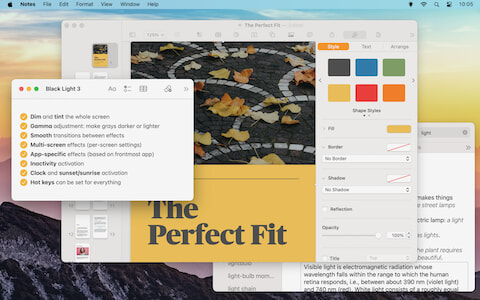
HDTV Luminance Adjustment
Adapt image for the 16–235 luminance range used by some high-definition television sets when connected by HDMI. Normally, your computer should be capable of automatically adjusting output values accordingly, but this isn’t always possible when the TV is connected through an adapter.

Timer, Sunrise & Sunset Activation
Effects can be automatically triggered based on your Mac’s clock or your local sunrise and sunset time. You can chain multiple transitions to change colors as you like throughout the day.
If your Mac is asleep or Black Light is not open at the time an effect was supposed to activate, it will catch up as if it was open the whole time.
Smooth Transitions
Don’t get hit by a sudden color change! Transition smoothly between effects by choosing transition times in Black Light´s settings. Choose a different duration for manual actions and one for timer actions. In other words, when hitting a hot key you don’t want to wait for a slow transition whereas when it happens automatically, you might want a more subtle fade.

App-Specific Effects
Always want to use a specific effect while watching videos or playing games? You can associate effects with certain apps and Black Light will automatically switch to those effects while the app is frontmost… and automatically switch back when the app is no longer frontmost.

Comprehensive Multi-Screen Support
Have more than one screen? No problem. While an effect applies to all screen, you can customize its settings separately for each screen. An easy way to make the secondary screen less visible during certain tasks for instance.
Inactivity and Mouse Tracking
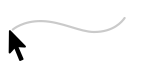
Black Light effects can have different settings after a certain time with no mouse or keyboard input. Use the “Vary for Inactivity” button to specify what the inactive version of an effect should look like.
If you have multiple screens, you can also use inactivity to highlight one screen the mouse pointer is currently on.
Hot Keys
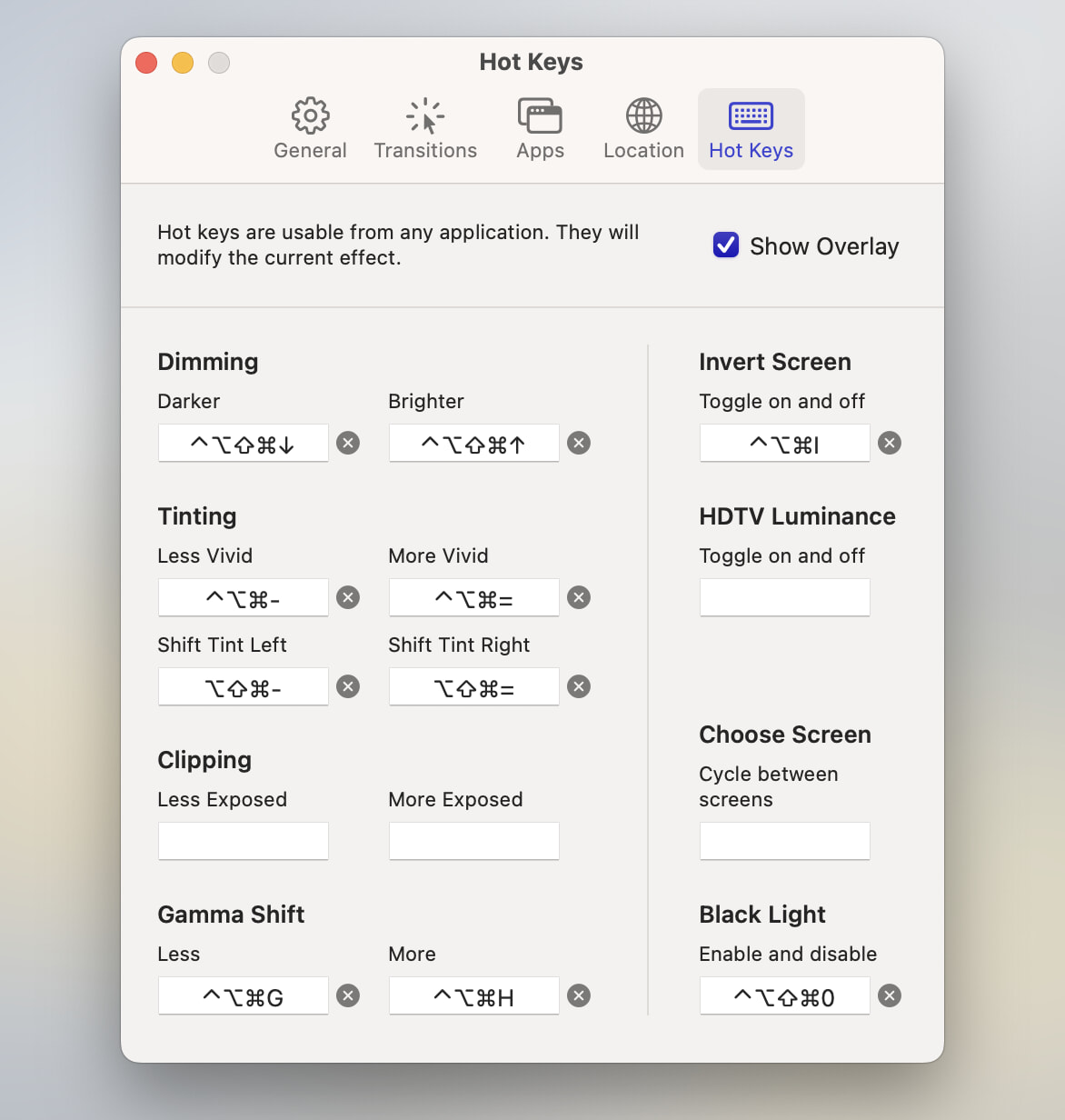
Each effect can be activated from any app by assigning it a global hot key. In addition, you can adjust various aspects of the currently active effect using more configurable hot keys.
If you have more than one monitor, you can configure a key to let you toggle between screens and choose which one you want to adjust.
On the Menu
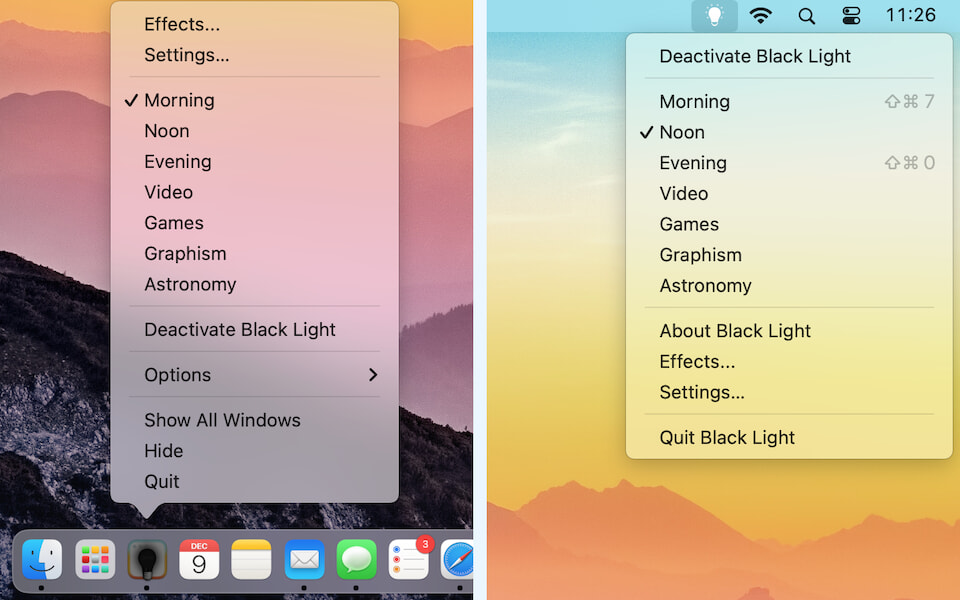
The dock menu will show you the list of available effects. From there, you can make effects active or inactive even if they don’t have a hot key. You can also move the Black Light icon to the menu bar, freeing space in your dock.
Requirements
macOS 10.13 High Sierra or later.
Limitations
Black Light will not work with screens connected using certain USB DisplayLink adapters, or with an iPad connected through Sidecar.
Older Versions
For macOS 10.7 to 10.12, use Black Light 2.3.5
For macOS 10.6, use Black Light 2.3.2.
For an earlier version of macOS (down to 10.2.8), use Black Light 1.7.1.